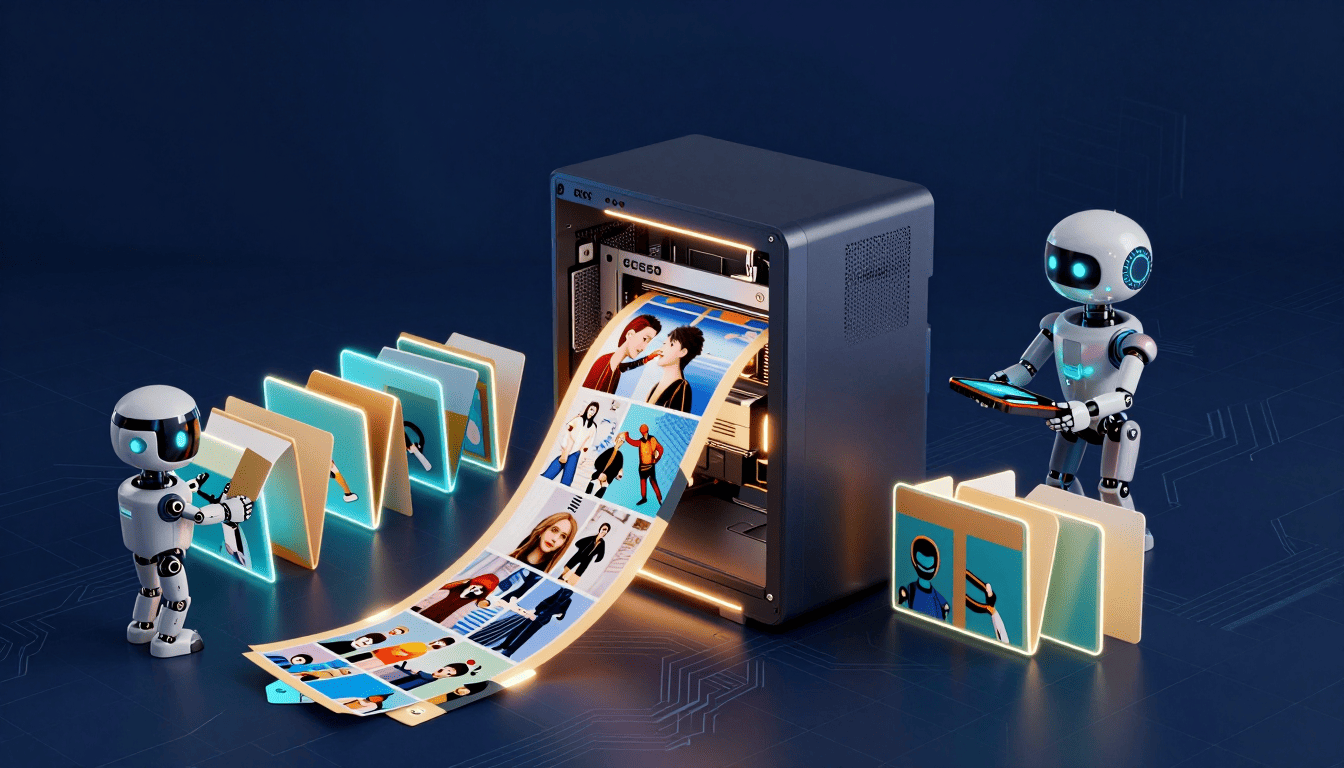

Every blog post needs an image. Every client site needs a hero. Every concept, every proposal, every landing page — they all need pictures, and the two usual options both have a tax. Stock photography looks like stock photography, and the good AI generators — Midjourney, DALL·E — charge you per image and, more importantly, you’re renting. Stop paying and the faucet stops.
The image at the top of this article did not come from any of those. Neither did the other nine I made this afternoon for the next batch of posts. They came off a model running on the same graphics card that would otherwise be playing games — for free, in about twenty seconds each, with no monthly bill and no usage cap. Here’s how Claude and I set it up, and why it changes the math for an agency.
What’s actually running
The engine is ComfyUI — an open, node-based image-generation app — driving three model files: Z-Image Turbo (a fast diffusion model that produces a full image in eight steps instead of the usual thirty-plus), a VAE to decode it, and, doing the actual reading of your prompt, a Qwen-3-4B text encoder. That last one is the “local Qwen” part: Alibaba’s open Qwen model, running entirely offline, translating my sentence into something the image model understands.
None of this touches the cloud. There’s no API key, no account, no per-image meter. Once the model files are on the disk, the marginal cost of an image is a few seconds of electricity.
The part that makes it hands-off
Here’s the trick that turns a toy into a tool. ComfyUI has a normal desktop interface — you can drag nodes around and click “Queue” — but it also quietly exposes an HTTP API on your own machine (localhost, port 8188). Anything that can send a web request can generate an image.
So Claude and I didn’t automate clicking. Claude wrote a small script — gen_image.py — that sends the whole workflow to that local endpoint, swaps in whatever prompt I want, and waits for the finished file to land in the output folder. The best part: it never takes over my screen. While a batch generates, I keep using Windows normally — the requests go out over localhost in the background and the PNGs just appear.
Even better, ComfyUI writes the entire recipe — every model, setting, and prompt — into the metadata of each PNG it saves. So to reuse a working setup, Claude just read the recipe straight out of an image we’d already made and rebuilt it in code. No documentation, no guessing at settings — the working image was the documentation.
The numbers
Each 1344×768 image takes 18 to 26 seconds. The ten images for this run — two options each for five upcoming articles — finished in 192 seconds total, start to finish, while I did other work. Cost: nothing. Cap: none. If I want twenty more, I ask for twenty more.
Compare that to the alternative. Paid generators run roughly a dime to forty cents an image once you’re past a free tier, and an agency shipping blog posts, concept sites, and client heroes burns through images fast. At even a few hundred a month, the local setup pays for the afternoon it took to configure by roughly the twentieth image.
The honest gotchas
It is not magic, and I won’t pretend otherwise. Two things to know:
- It garbles text and invents people. Diffusion models can’t spell reliably, and if you don’t tell them what’s on a screen they’ll fill it with a random face. The fix is in the prompt: I append “no text, no words, no human faces” plus a consistent house-style suffix, and steer toward clean, abstract, editorial tech imagery.
- It’s not a replacement for real design. For a precise logo, exact brand type, or a hero that has to be pixel-perfect, we still hand-craft. This is for the constant stream of good-enough, on-brand editorial imagery — and for that, it’s more than enough.
Why this matters for an agency
Image cost across every client and every channel drops to zero, and it stops being a subscription and becomes an asset we own. The workflow is one function call, so it’s repeatable — future posts, future client sites, and future concepts all draw from the same free well. And because Claude can drive it by API, generating a themed set of images becomes one line in a larger automation rather than an afternoon of prompting a web app.
That’s the pattern I keep coming back to on this blog: take something that used to be a recurring cost or a manual chore, run it on hardware I already own, and let an AI operate it on request. The setup took an afternoon. It’s been paying for itself ever since — starting with the picture at the top of this page.